RunIQ is a gamified AR learning system for schools, by BMTP Company ApS. It's two apps I designed end-to-end: a student player app built as a points economy, and a teacher app that authors, launches and monitors it. I owned the product and UX design of both.
RunIQ has two users who never meet on the same screen. On the player side they're children; the difficulty isn't teaching them - content is easy to make - it's keeping them playing. On the operator side is a teacher who is neither a game designer nor an engineer, yet has to author, launch and run a live gamified experience.
The hard part was never the AR or the quiz. It was that engagement had to be engineered on the player side - and made effortless on the operator side. Two very different design problems that had to resolve into one coherent product - and neither side was allowed to feel like work.
A quiz a child answers once and closes. No stakes, nothing to come back for. And on the teacher's side, a tool that would demand game-design decisions no teacher should ever have to make.
Points, ranks and teammates give a child a reason to scan the next code; and AI drafts, smart defaults and an editable review step let any teacher stand that loop up in minutes - with no code and no game-design skill.
I owned Product and UX design of both apps, end-to-end. On the player side: onboarding, the core loop, the points economy, the social layer and the results dashboard. On the teacher side: AI-assisted authoring, rule configuration, launch and PIN, monitoring and analytics, and school settings. Three constraints shaped everything: 5-language localization (English, Dansk, Deutsch, Norsk, Svenska), a privacy-first, no-PII model (only a nickname, a UniID and a grade), and an AI question-generation pipeline in the teacher app.
The product is two loops, coupled at a single point. The teacher's loop supplies and controls the player's loop; a single 4-digit PIN is the seam between them. And inside the player loop, one currency holds everything together: the points a child earns are the same points they spend.
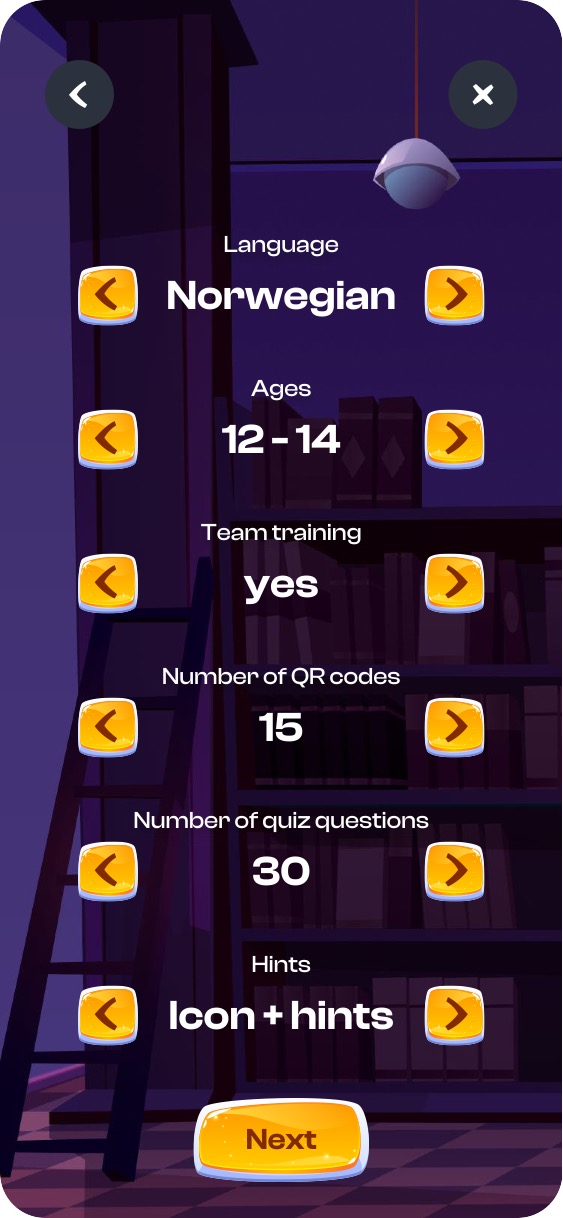
The teacher's switches shape the player loop directly: Team training: yes turns on the entire social layer (teams, sync gates, leaderboard), and Hints: Icon + hints turns on the spend sinks. One settings screen decides how social - and how risk/reward - the game will be.
The teacher describes a topic, AI drafts the questions, and the teacher keeps the last word. Generation is never the final say.
Building a training is one short path: name it, set the rules, hand AI a topic - and edit what it returns. The step that matters most is the last one: every question can be rewritten, its correct answer marked, and unwanted ones removed (Selected: 20 → 19). Human-in-the-loop means the teacher trusts the content because they control it.
Language, ages (12–14), team training, number of QR codes, number of questions and hints - all on one screen.
"History. First global age" - ChatGPT generates 20–30 multiple-choice questions with a marked correct answer.
The drafts arrive as a list with a Selected counter. Deselect what doesn't fit - 20 becomes 19 - keeping only what suits the lesson.
Tap a question to rewrite it; tap an answer to mark it correct - it turns green.
 1
1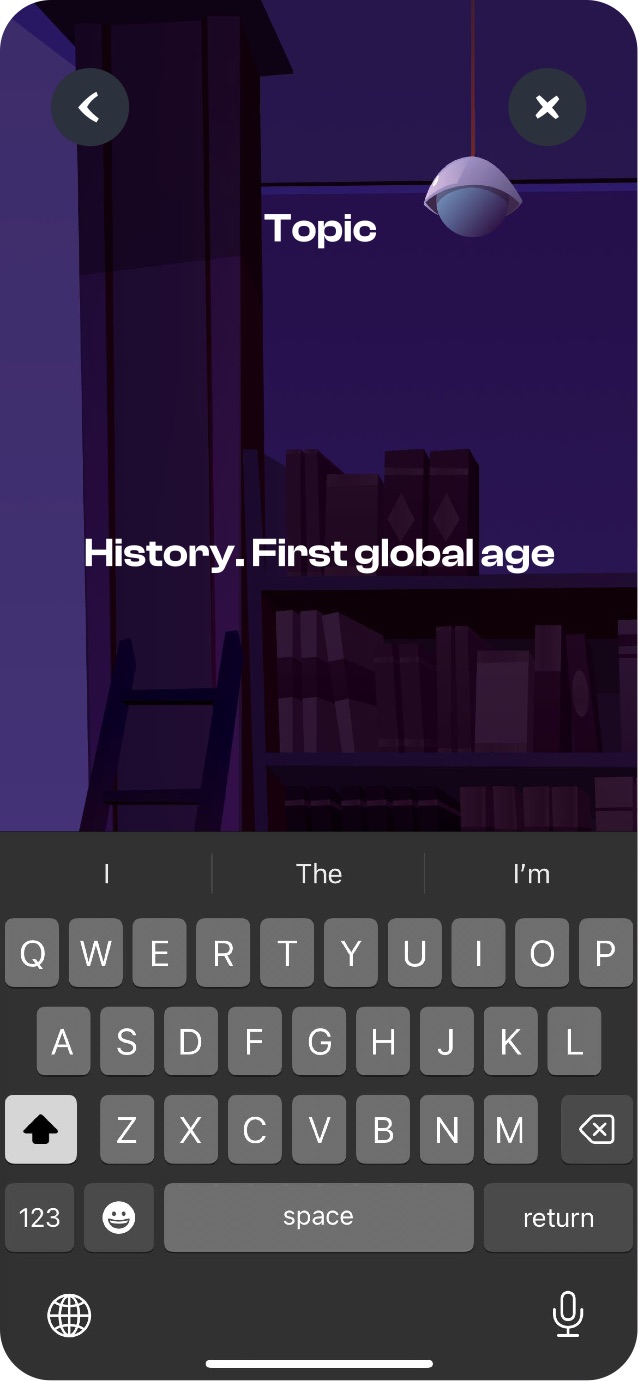 2
2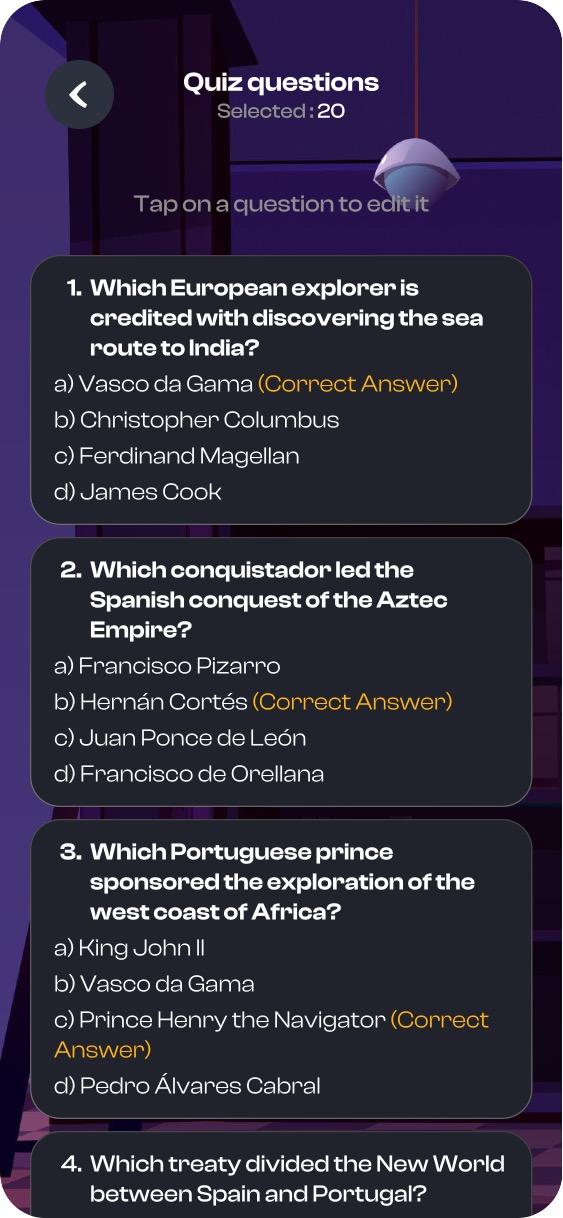 3
3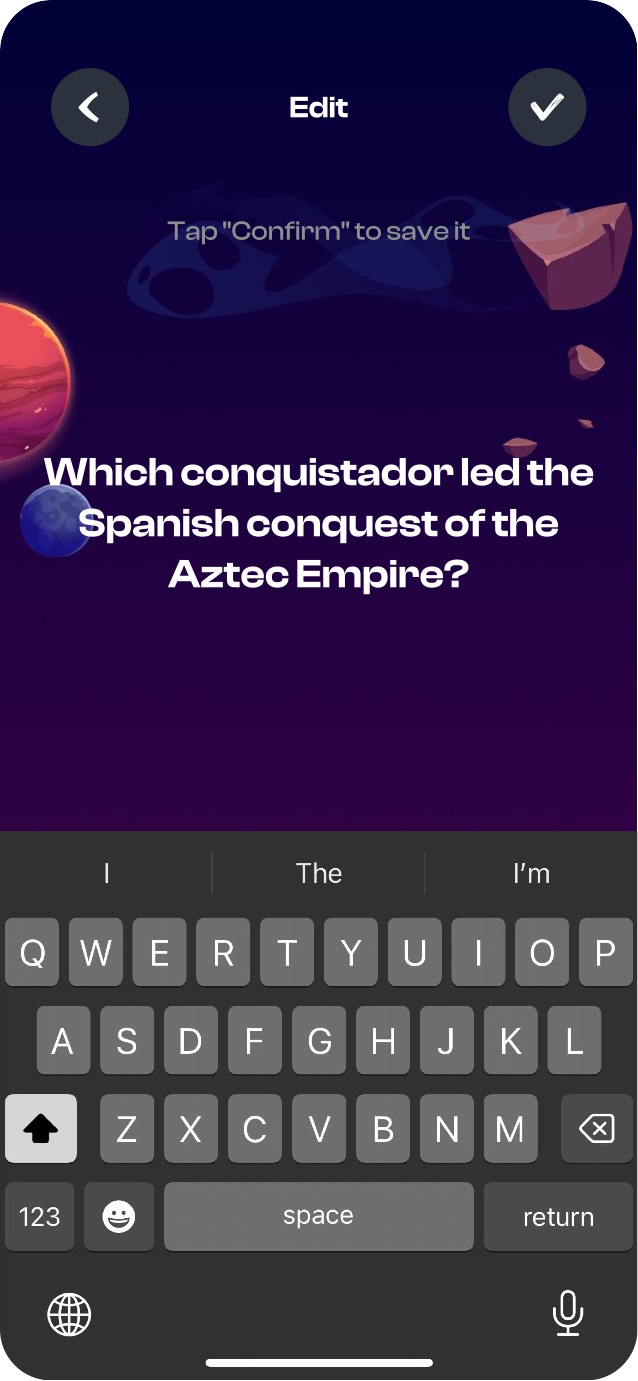 4
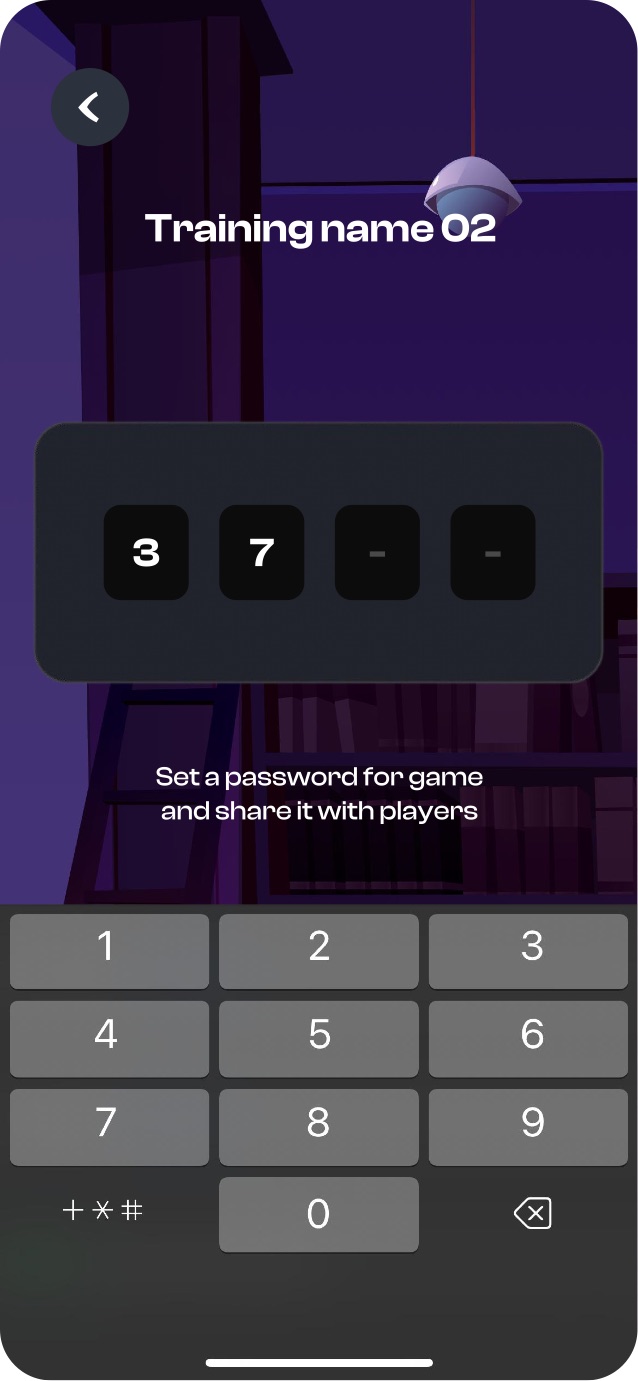
4Launching produces one 4-digit PIN - the same key players type to enter. A single gesture stitches the two sides of the product together.
To put a training into play, the teacher generates a PIN and shares it with the class. While players play, the teacher watches a medal leaderboard in real time - and can drill into a single student's result: how many correct and wrong, with a green/red breakdown per question.
One 4-digit code (e.g. 3790) the teacher shares. It's the same key that opens the game for players.
A live ranking of players by points - gold, silver, bronze. From here the teacher can also revisit the rules and the full question list.
Open Josefine's result: 16 correct / 4 wrong, with a green/red mark on every question.
Active / Completed tabs, sort, a played-times count, Start/Stop, and swipe-to-delete.
 1
1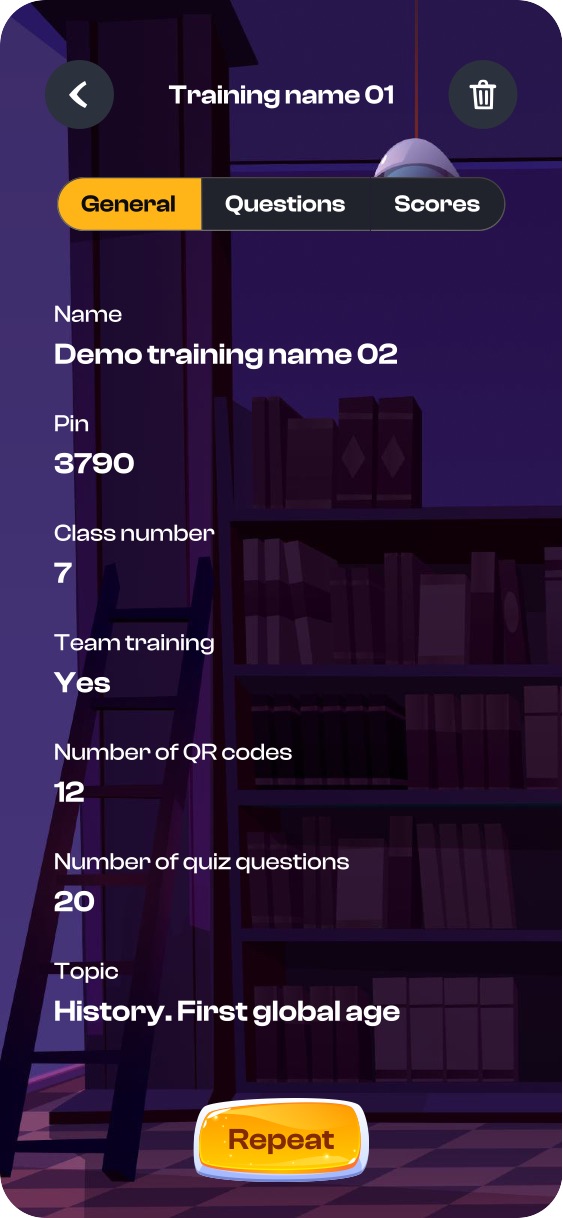 2
2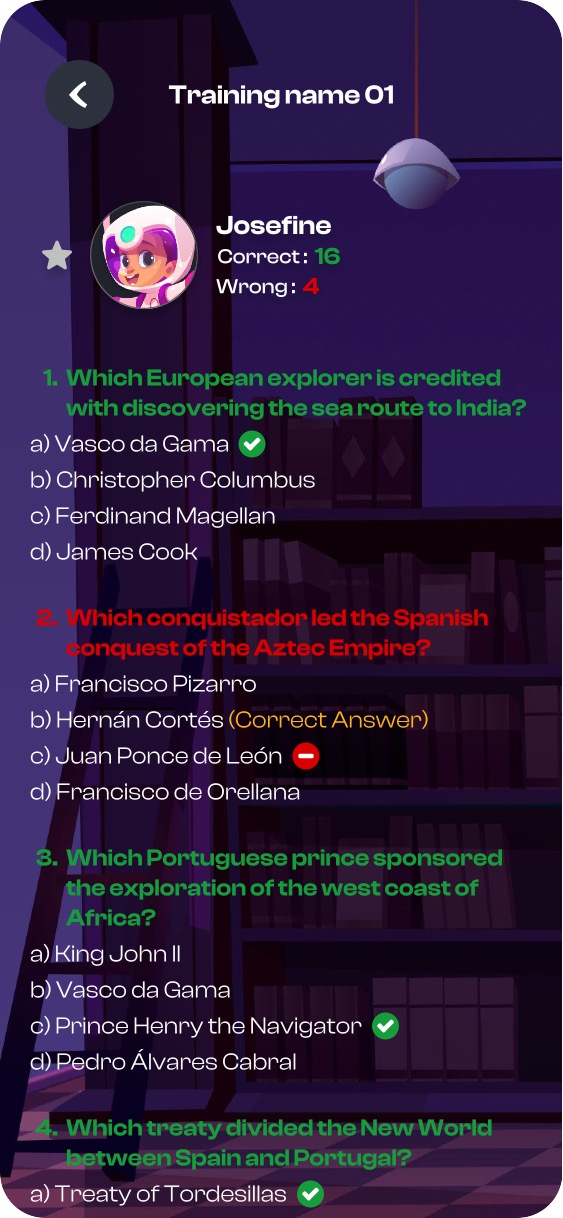 3
3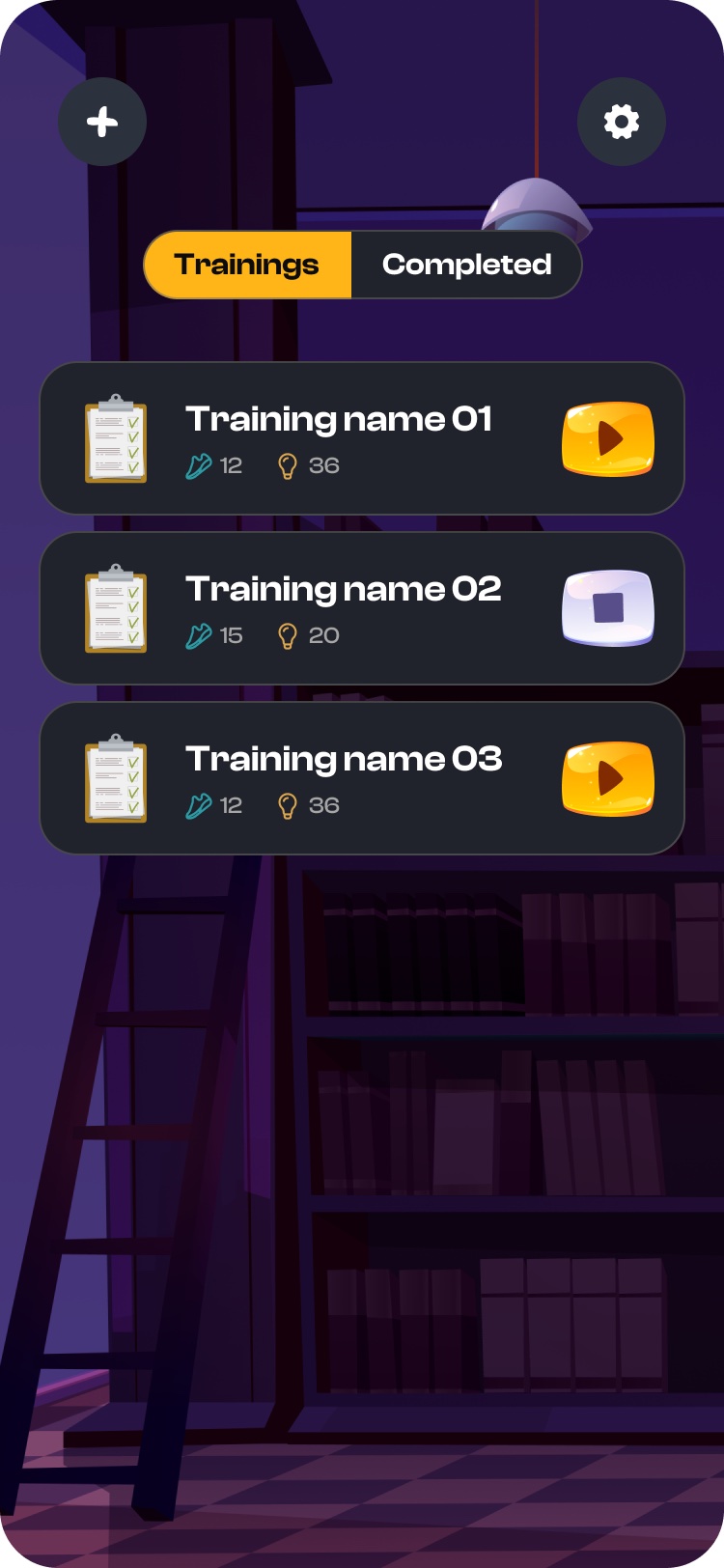 4
4The whole game is one gesture, repeated: find a code, answer, earn points, move to the next. Onboarding teaches exactly this - and nothing else.
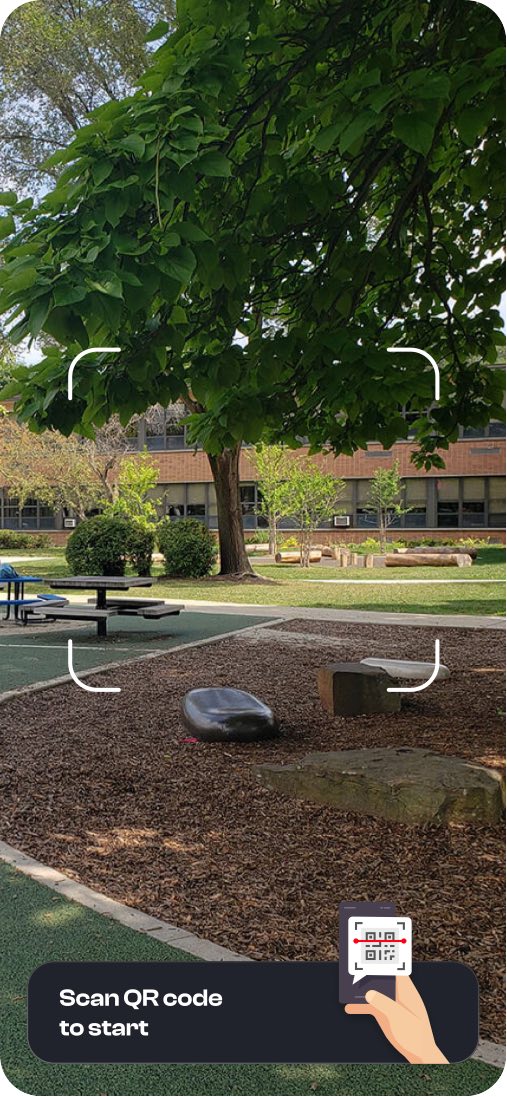
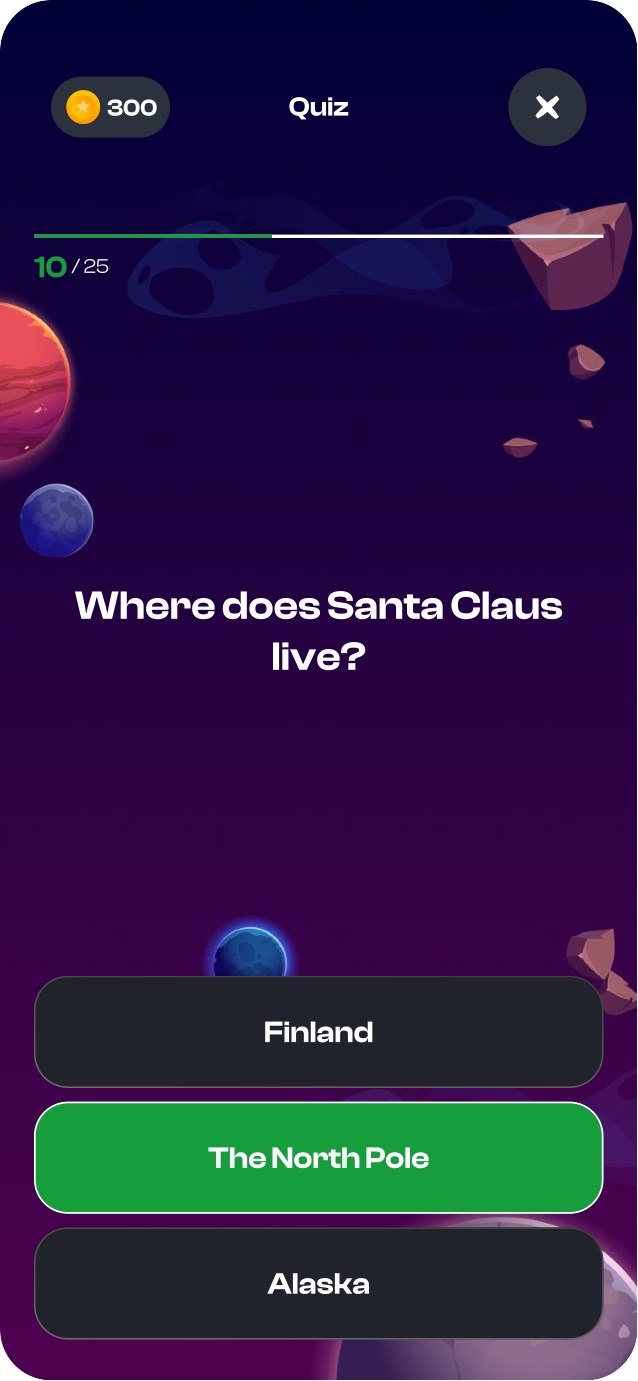
The core loop is deliberately tiny, so a child internalizes it in seconds. The AR camera guides them to a physical QR code; the scan opens a question; a correct answer turns green and pays out points, a wrong one turns red, honestly. Every turn ends where it began: "scan the next code."
An AR camera with a targeting frame guides the player to a physical QR code in the space to start a question.
A multiple-choice question; the points balance stays in the header, so the stake of each answer is always in view.
A correct answer is confirmed in green and points land - the reward beat the whole loop exists for.
A miss honestly turns red. No fake praise - the stakes are real, which is what makes coming back real too.
1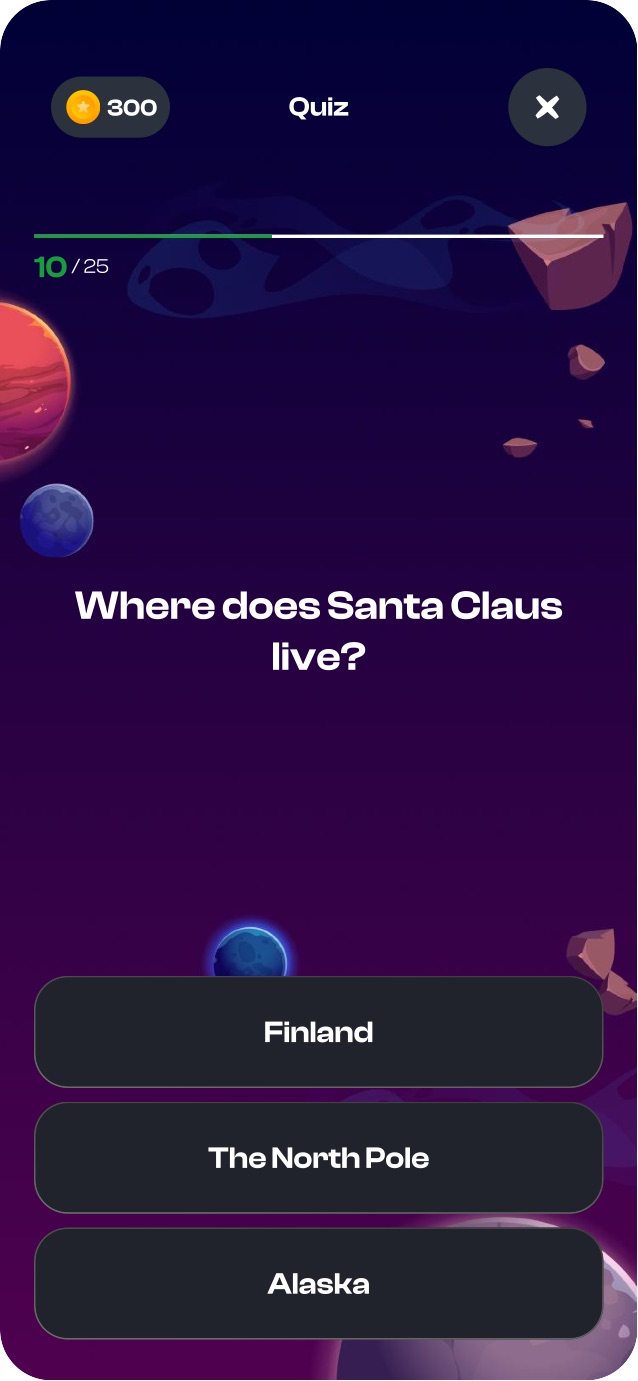 23
23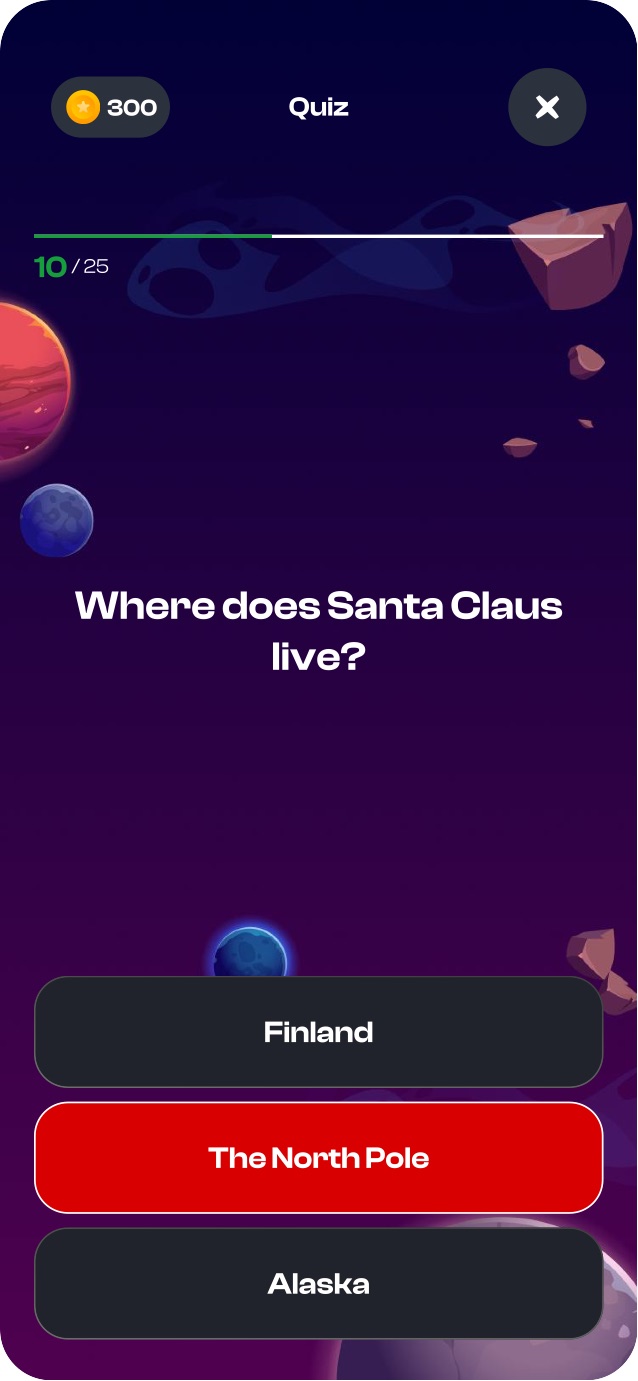 4
4One currency for everything. The points a child earns are the points they spend, so every answer visibly moves them toward a reward they want.
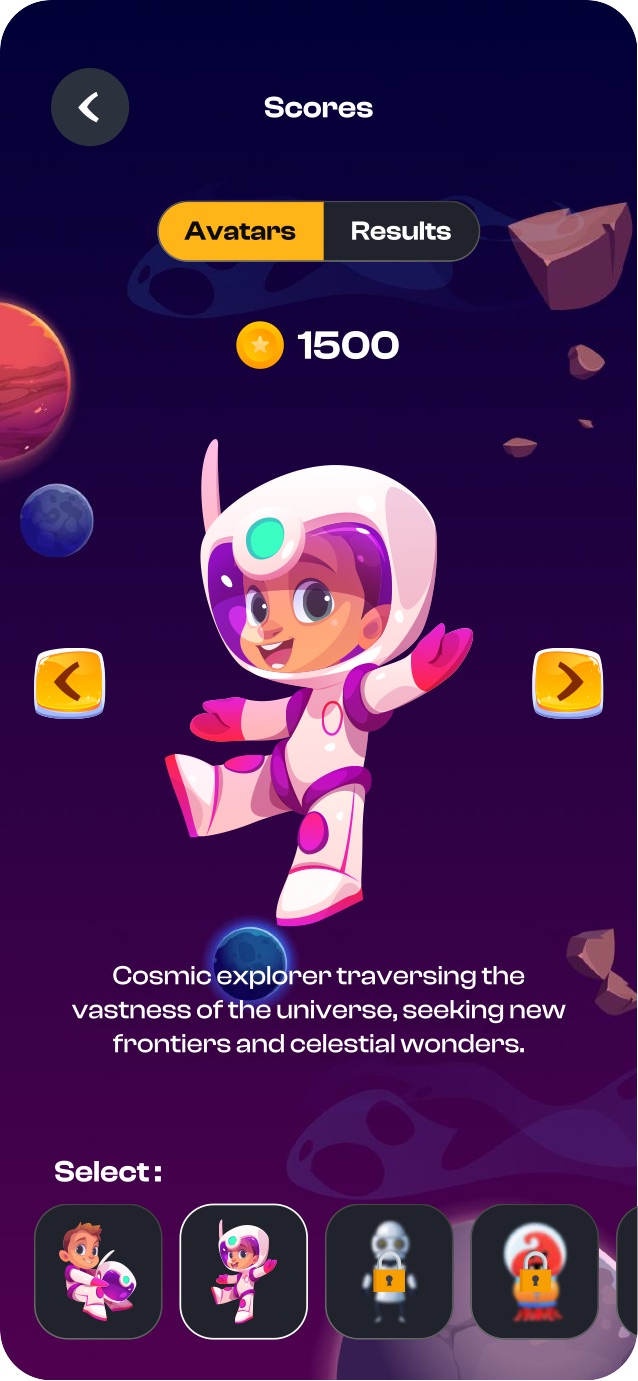
The economy is a closed circle: earning at quizzes and spending on avatars and hints. Spending is optional but tempting - a mid-game risk/reward choice, not a paywall. And because the balance sits in every header, a child always knows how far they are from the next unlock.
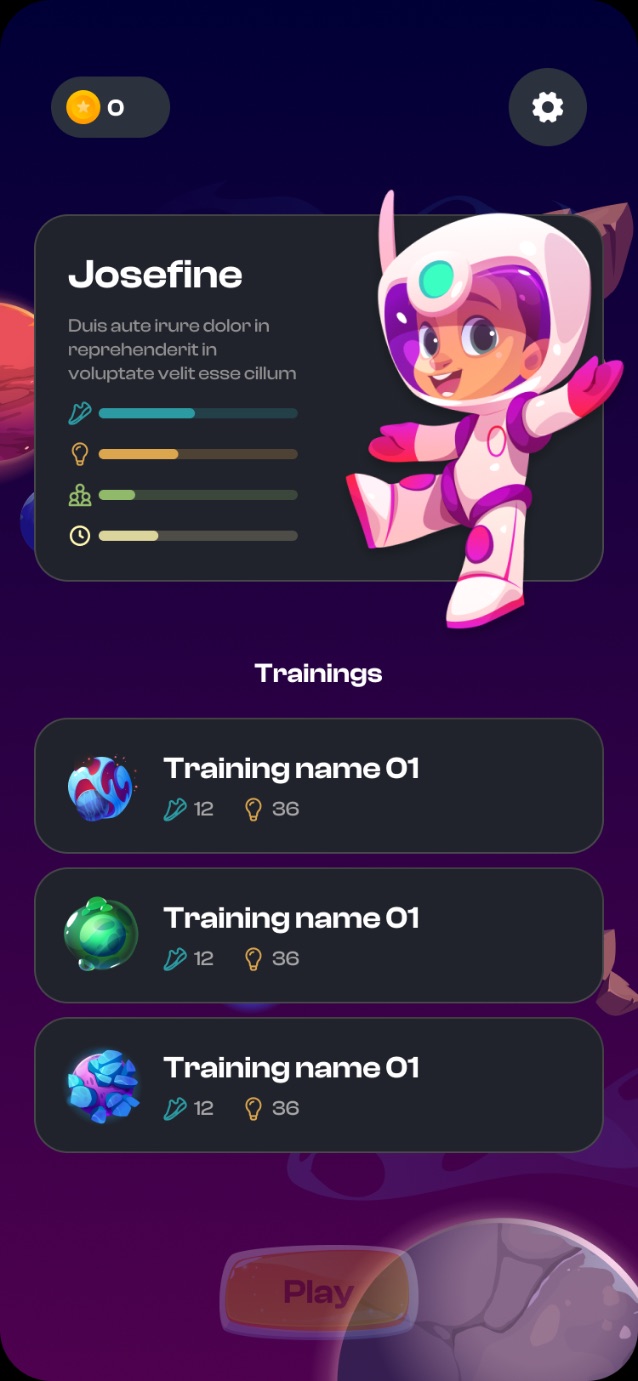
The star balance lives in the header of every screen (0 → 300 → 1500) - progress is never out of sight.
5 points to open a hint, 10 to open an icon - an optional mid-game choice, not a paywall.
"500 points to open" unlocks an avatar. Identity is the marquee sink that gives points their meaning.
The results dashboard totals the play - Body, Mind, Team, Play - so effort becomes a visible sum.
 1
1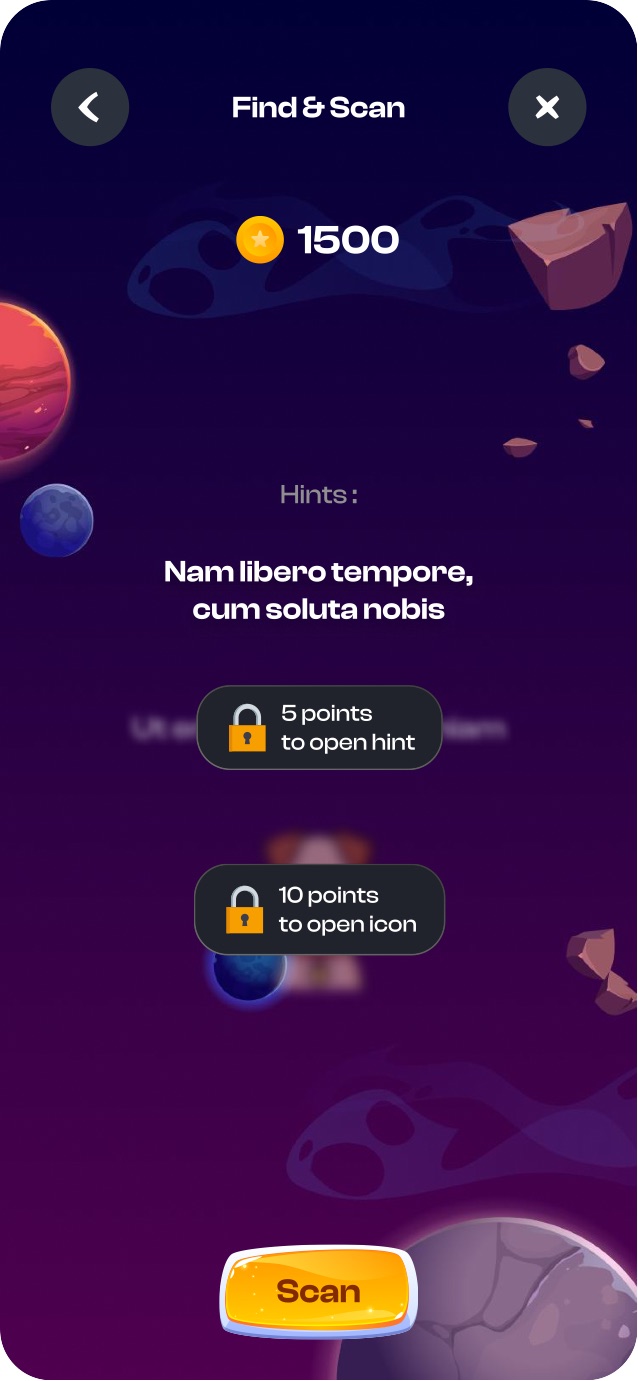 2
2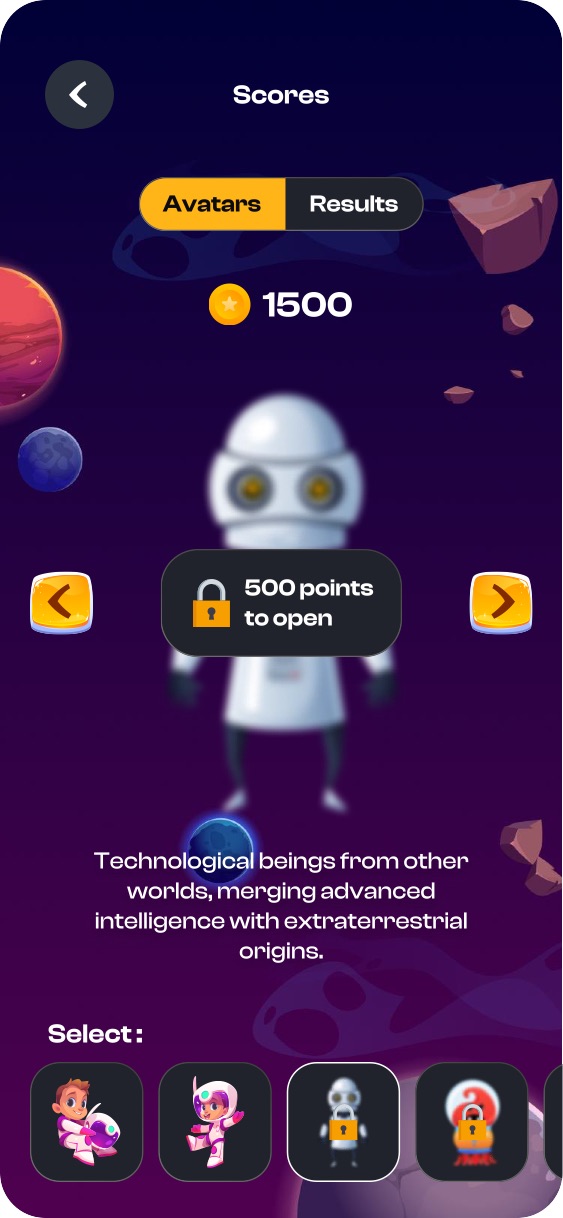 3
3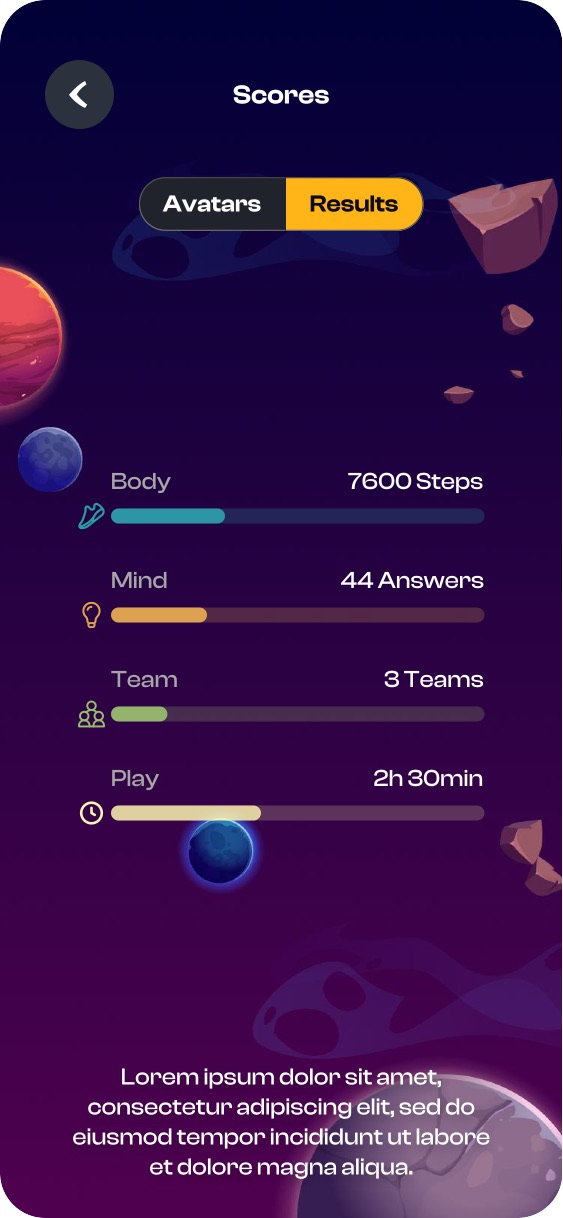 4
4Teams with a hard floor of two and synchronized gates turn a solo quiz into a social event - which is what actually brings kids back.
The social layer is switched on by one teacher toggle - and it changes the game. A child creates or joins a team; the "at least two" rule makes it a real group; a synchronized "wait for teammates 1/4" gate keeps everyone together; and a medal leaderboard turns answering into a race. The stakes become social - and social stakes are stickier than personal ones.
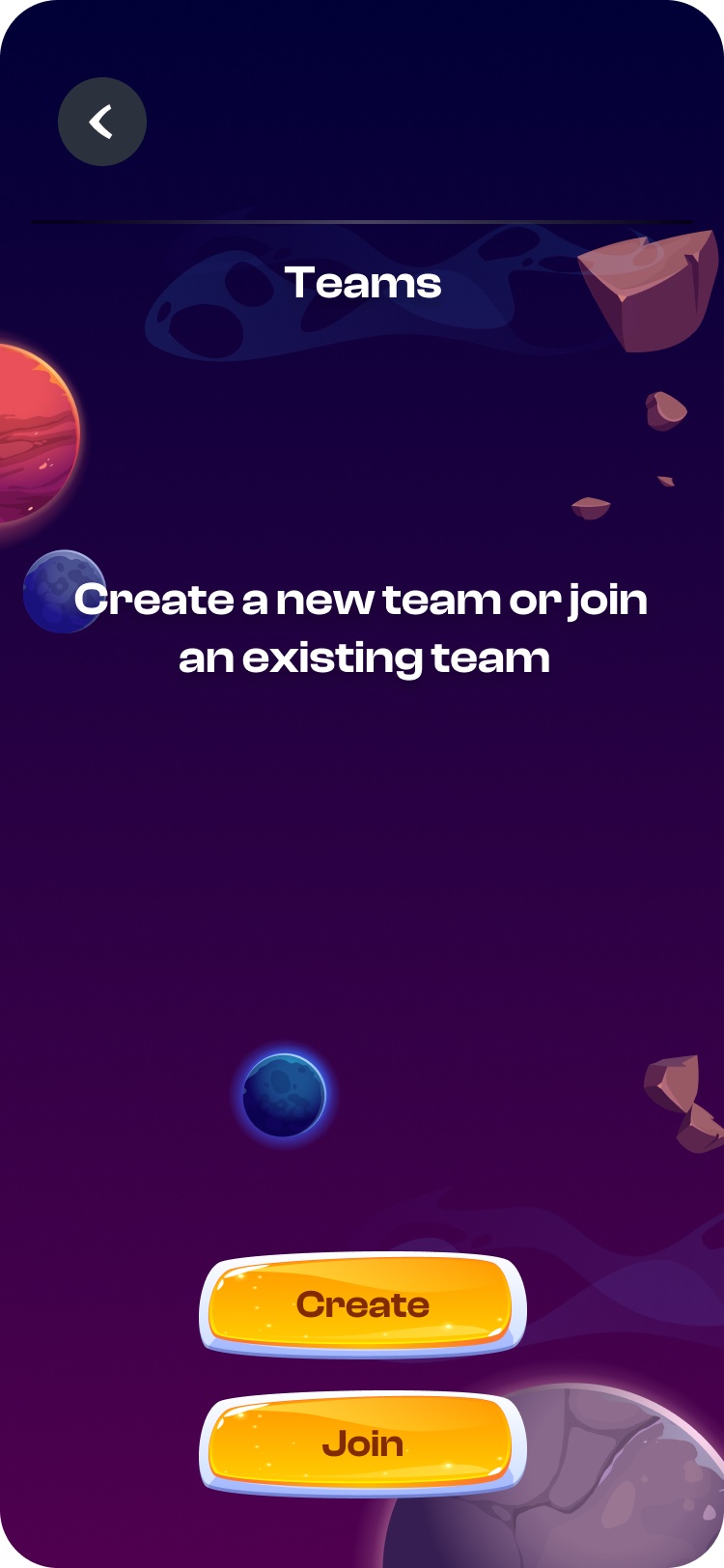
A solo quiz becomes a group one: a child opens a team or enters an existing one.
"Teams must have at least two participants to advance." One player isn't a team, and the game insists on it.
"Wait for teammates 1/4" holds the group together - nobody races ahead, everyone moves as one.
Ranks turn answering into a race - gold, silver, bronze and a place worth competing for.
 1
1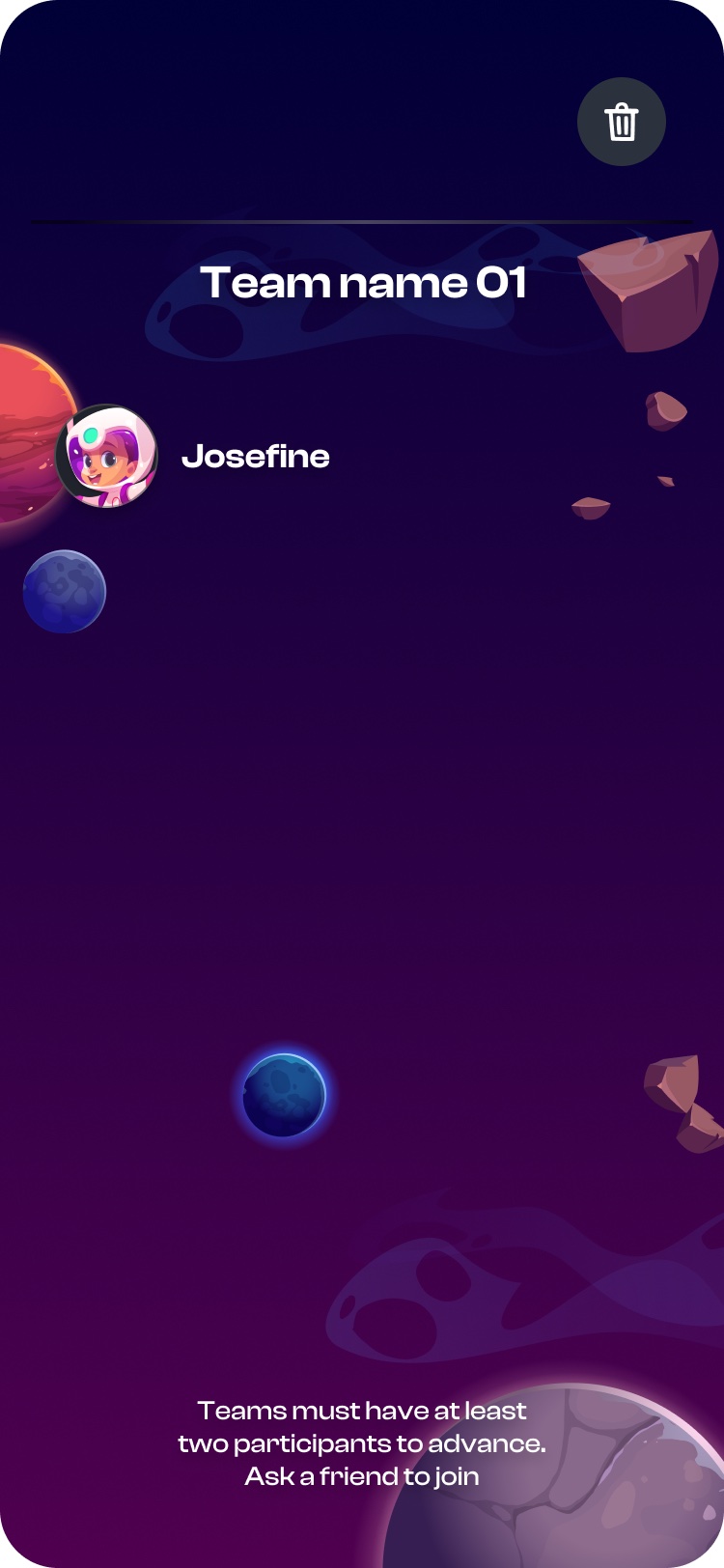 2
2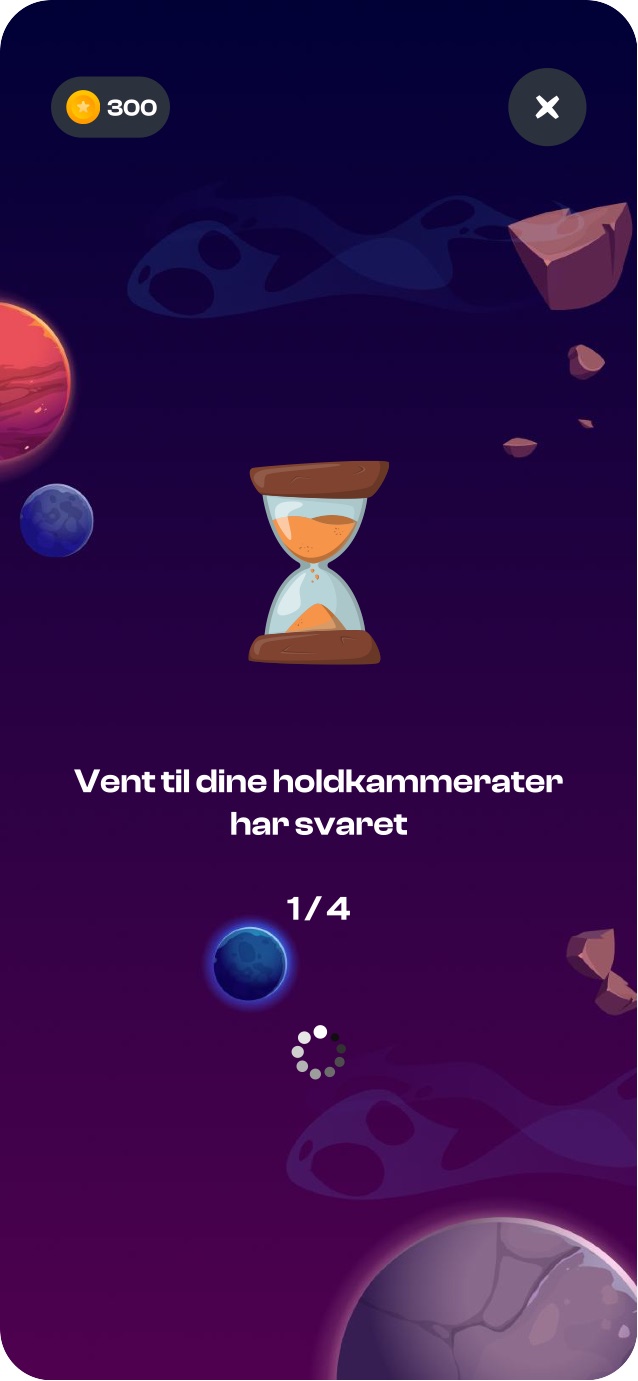 3
3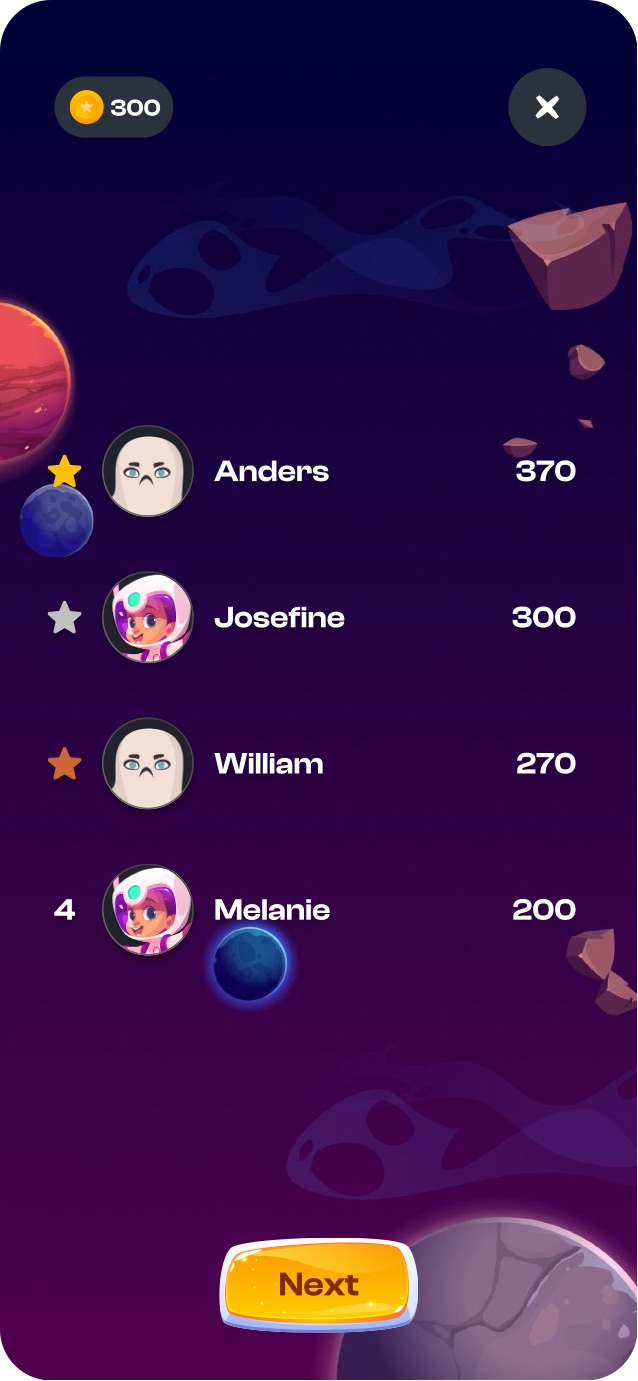 4
4Each decision serves one thing: making a child want to scan the next code - while letting a teacher stand it all up with no code.
Instead of separate scores, coins and XP, there is one star currency. The points a child earns at quizzes are exactly the points they spend to open avatars and hints. So every answer visibly moves them toward a reward they want - not just a bigger abstract score.
Hints and icons cost points (5 and 10) - but they're never pushed. It's a mid-game choice: spend now to get past a hard question, or save for an avatar. It's risk/reward, not a paywall - a sink that makes earning meaningful without punishing thrift.
Teams require at least two players, and synchronized gates ("wait for teammates 1/4") hold the group together. That turns a solo quiz into a social event - and social stakes bring kids back more reliably than any personal high score.
ChatGPT generates 20–30 questions from a topic - but that's only a starting point. Every question can be rewritten, every correct answer re-marked, every unwanted one removed. Generation removes the blank page; the review step leaves the teacher in control of - and trusting - the content.
The launch key the teacher generates and the entry key the student types are the same four digits. That single handshake is the entire seam between the operator and player sides: no accounts, no PII, just a PIN, a shared theme, and a game that's begun.
The honest outcome is a quality, not a number. The player loop closes on itself: earn → spend → progress → compete - and every one of those branches points back to "scan the next code." And a teacher can stand that entire loop up in minutes - with no code and no game-design skill. Two-sided effortlessness.
Earning, spending, progressing and competing - all four mechanics point back to the next scan. There's always a reason for a child to run one more lap.
AI drafts, smart defaults and a review step mean a teacher with no code and no game design gets a live game on its feet in minutes.
The same UI and the same economy re-skin into space, Halloween or pirates. Engagement turned out to be a system, not a decoration.
The leaderboard numbers in the screens are demo data, not results. No formal metrics were captured for this project, so none are claimed here - the outcome is described in design terms.
Engagement is a system, not a skin. RunIQ proves it literally: one loop and one economy re-skin across many worlds. And the more I built, the clearer it got that the "effortless" feeling has to be engineered on the operator side - AI, smart defaults and an editable review step do more for that ease than any single player screen.
Streaks and a daily reward cadence to make returning a habit; seasonal leaderboards; difficulty a teacher can tune per class; deeper team mechanics; and richer teacher analytics - so the operator side sees not just "who won" but "what the class finds hard."
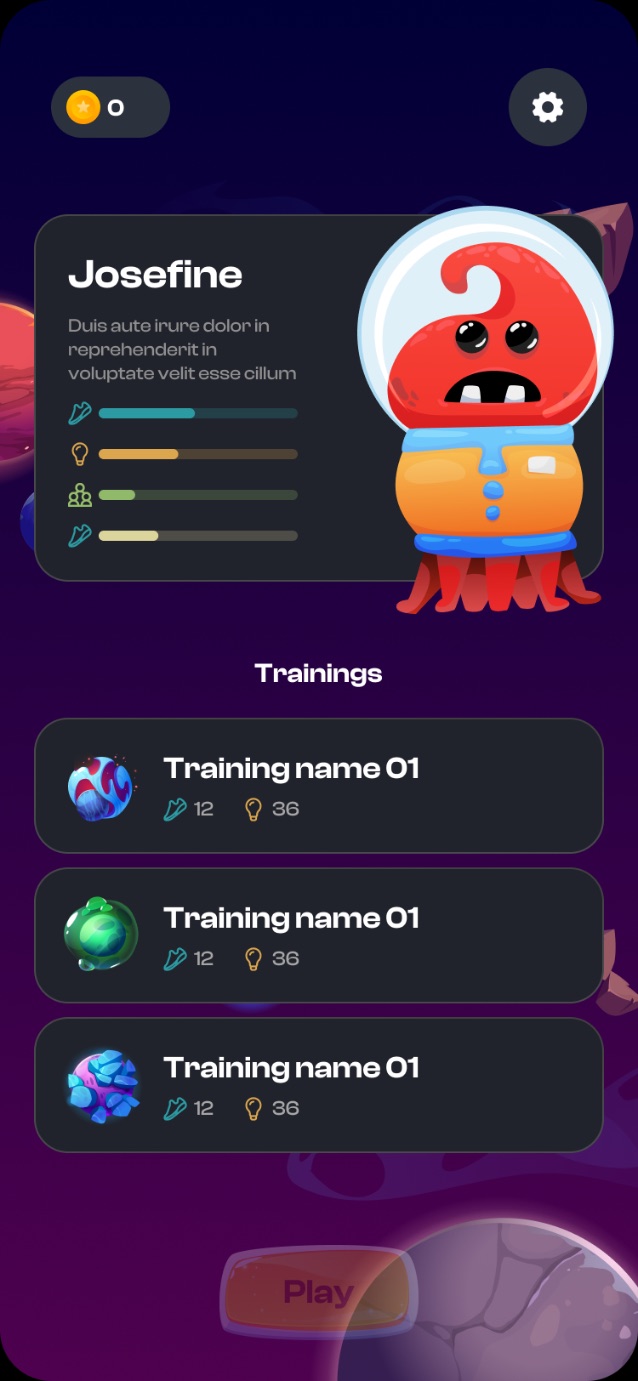
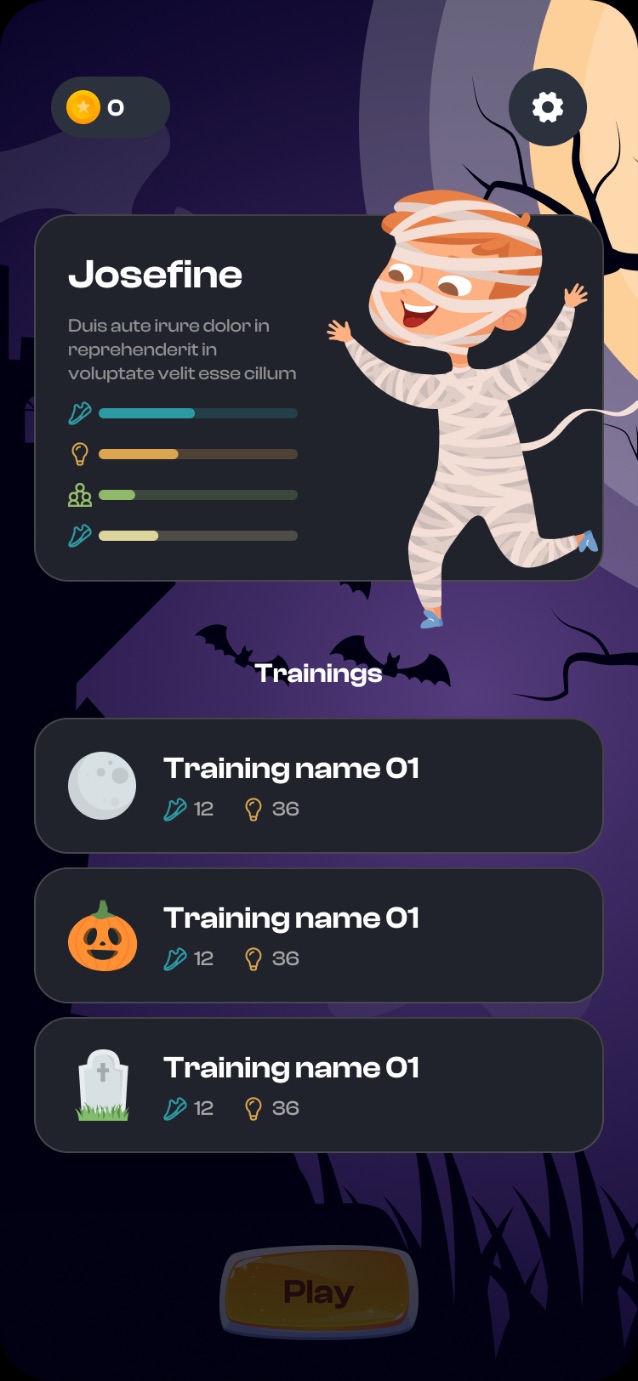
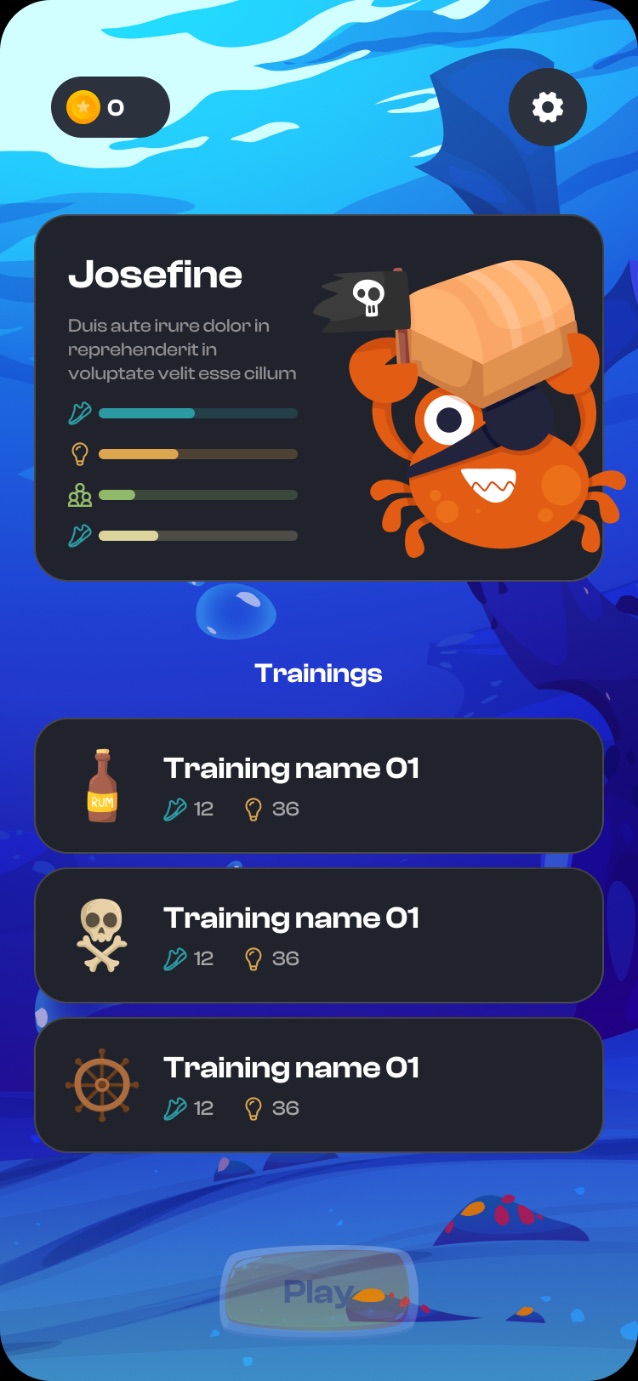
The same screen, the same code, the same earn/spend cycle - just a different set: background + avatars + icon pack. Space is the hero theme; the rest prove the loop doesn't depend on the decoration.
I design complex, rule-heavy products end-to-end - from information architecture to the last empty state.